A tunnel, already built in
Scan once and connect from anywhere. The free Shahi tunnel is encrypted end to end, with no VPN, port forwarding or Shahi account to set up.
Included · iPhone & web
 Open Shahi Web App
A plugin for herdr, the terminal workspace for coding agents
Read your agents’ work and keep it moving from your phone. Shahi’s built-in tunnel is encrypted end to end, ready to use and free for everyone. Add the plugin to herdr and scan a QR code.
Free Shahi tunnel · No Shahi account, VPN or port forwarding. iPhone app and phone browser · Join the iOS beta
Reader support
 Claude Code
 Codex
Codex Cursor CLI
 Antigravity
 OpenCode
OpenCode and Antigravity require computer release 0.3.11 or newer. See coverage and limits.
Made for the moments away from your desk
Your agents run on your computer. Shahi gives you a comfortable way to read, decide and keep going wherever you are.
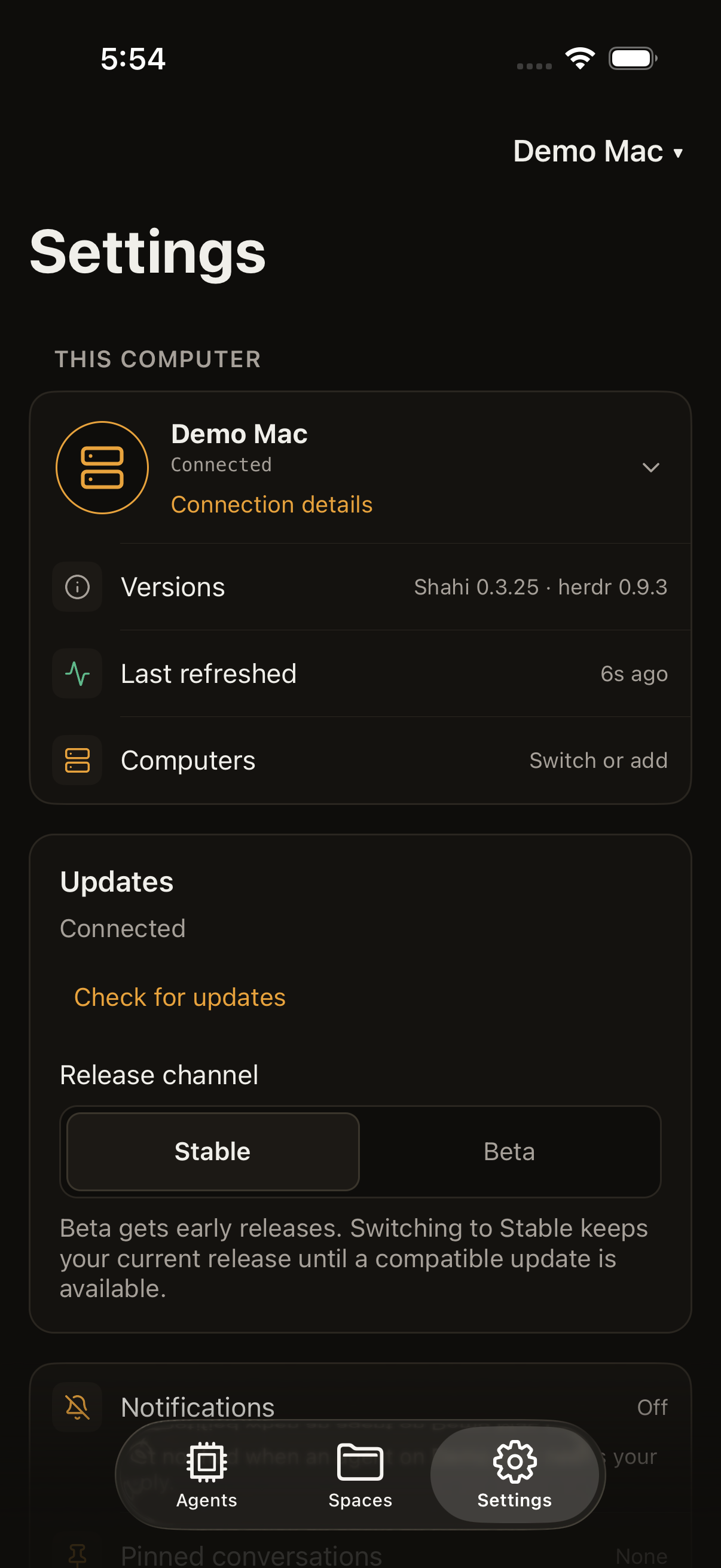
Actual app views with an example project, from the iPhone app 1.1.
Scan once and connect from anywhere. The free Shahi tunnel is encrypted end to end, with no VPN, port forwarding or Shahi account to set up.
Included · iPhone & web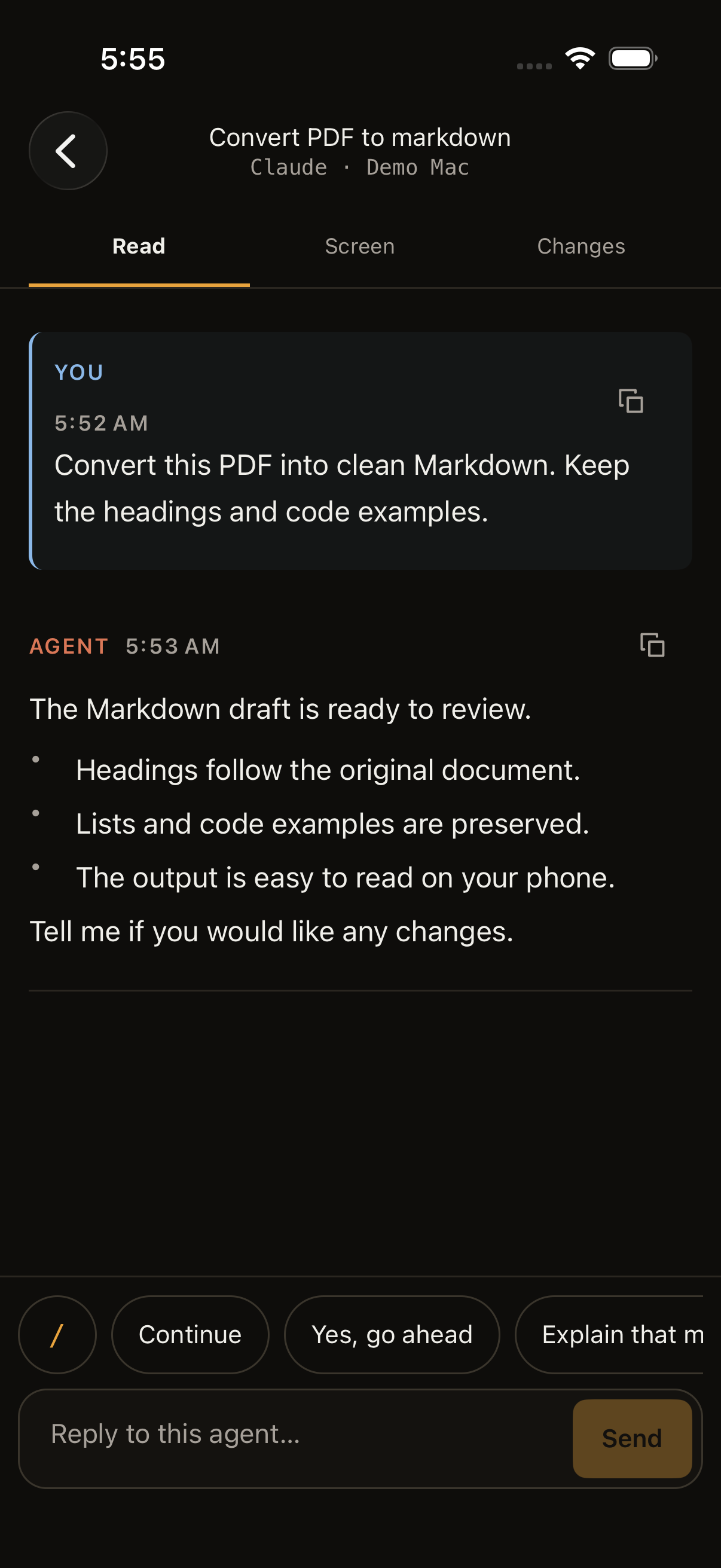
Reader turns your agent’s messages, reasoning and activity into a conversation made for your phone. Read comfortably, without pinching a desktop terminal.
Phone-friendly Reader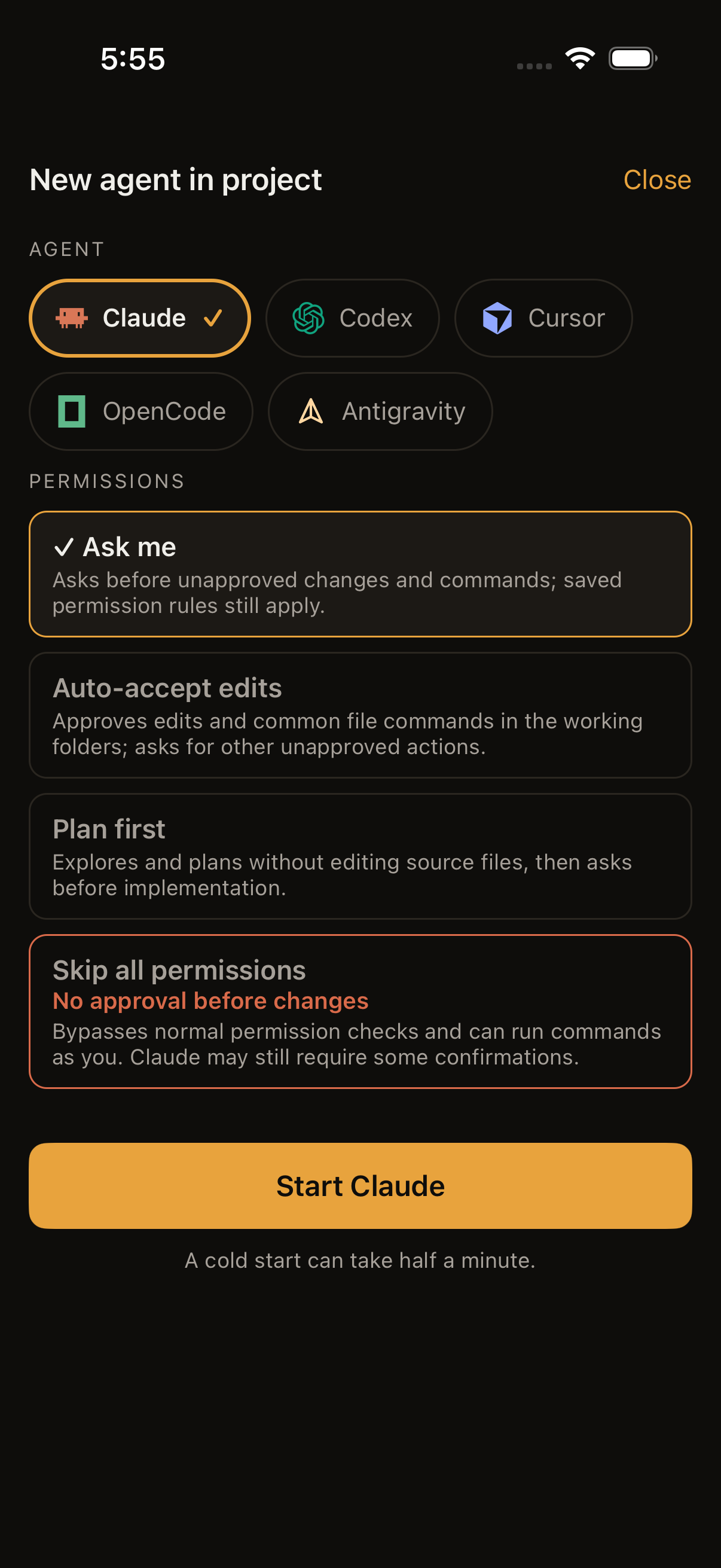
Create new sessions with Claude Code, Codex, Cursor CLI, OpenCode or Antigravity from your phone. Choose a space and the agent’s approval mode.
Uses the agents on your computer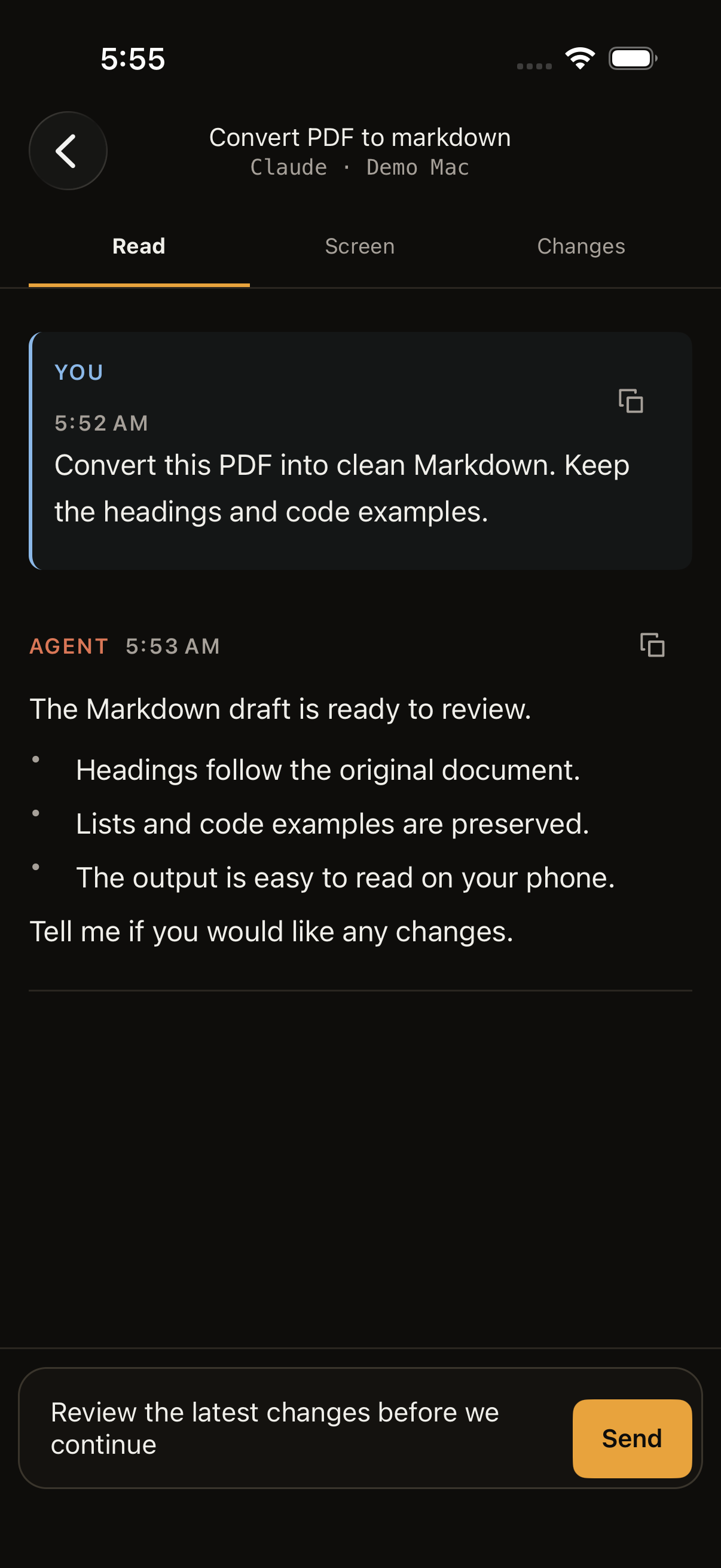
The iPhone app supports live dictation. Words appear in the composer as you talk. Review them, then send when you’re ready. Audio stays on your iPhone.
English · supported iPhones on iOS 26+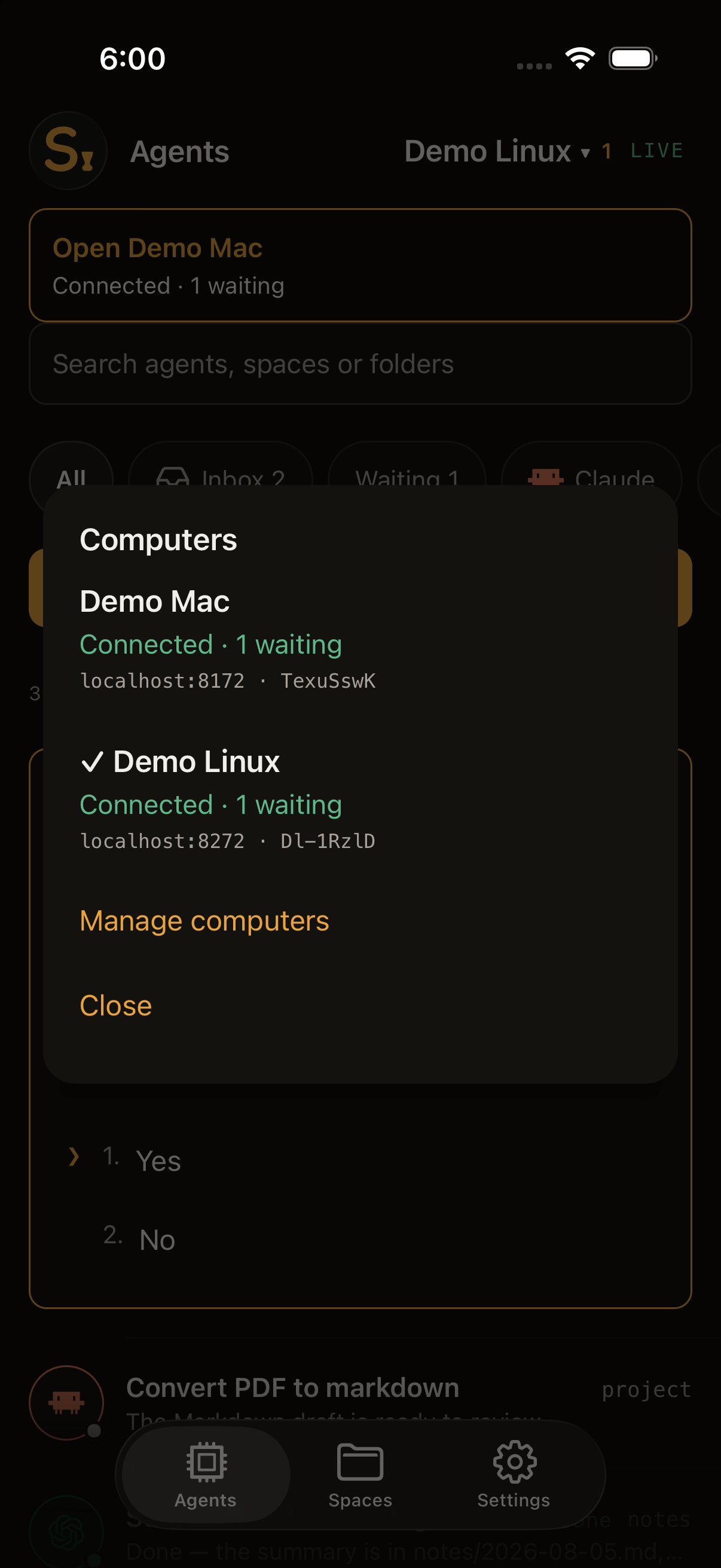
Keep your laptop, Mac and Linux server connected at the same time. Switch between them while each keeps its own conversations and connection.
Multiple computers · one app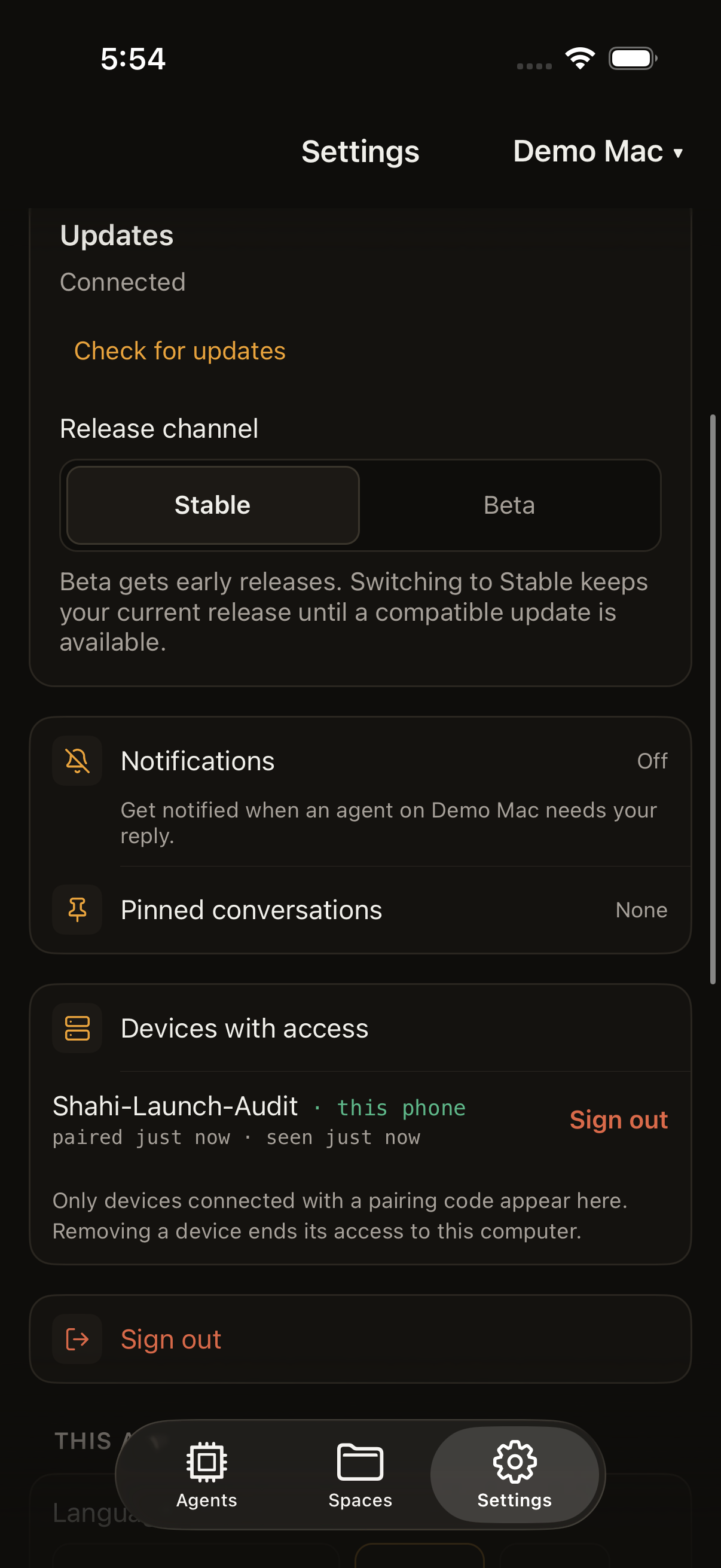
Get notifications when an agent needs attention. Open the right conversation and keep it moving. Home-screen web notifications work on supported browsers.
Quick answers from the notification on iPhone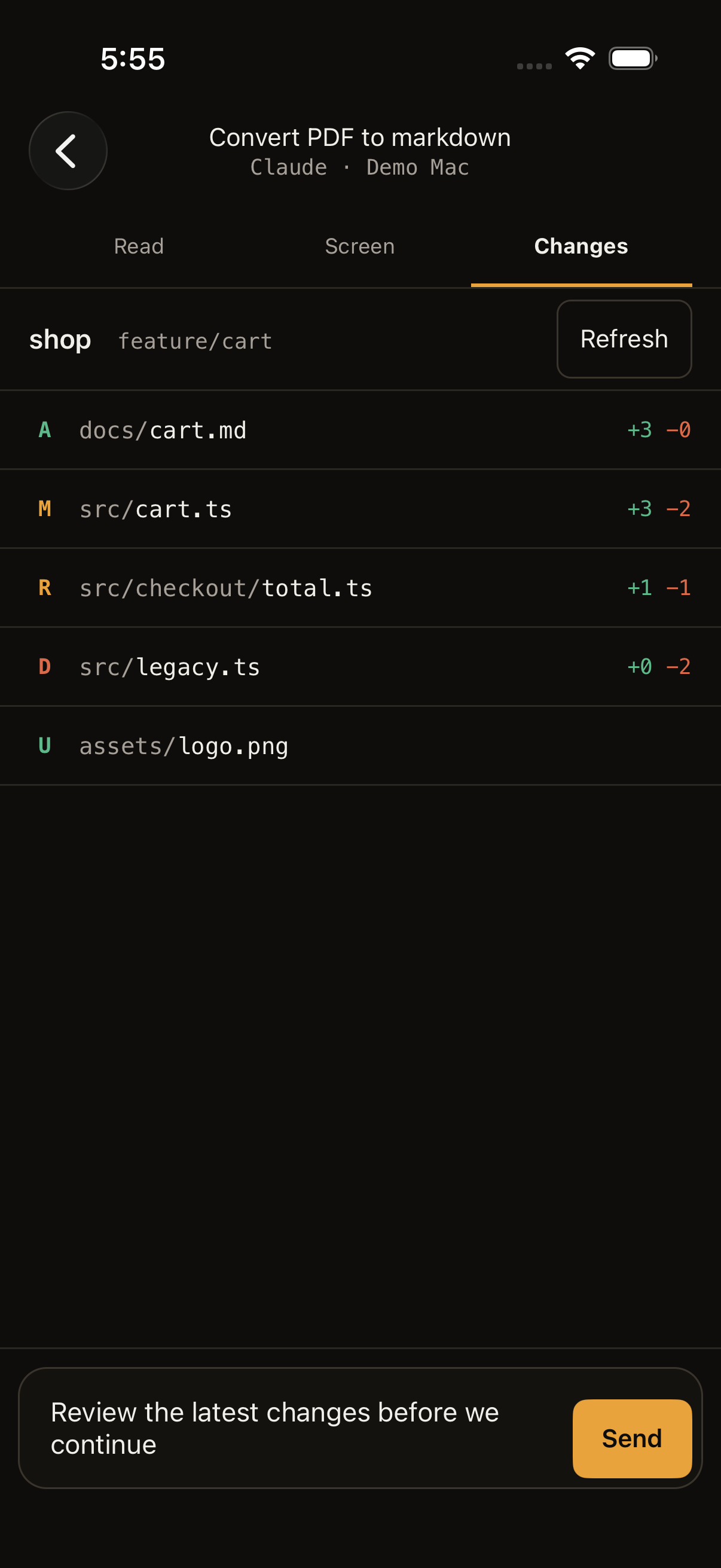
Open files, images and PDFs without leaving Shahi. The web app also lets you inspect Git changes from the conversation.
Changes view on iPhone and the web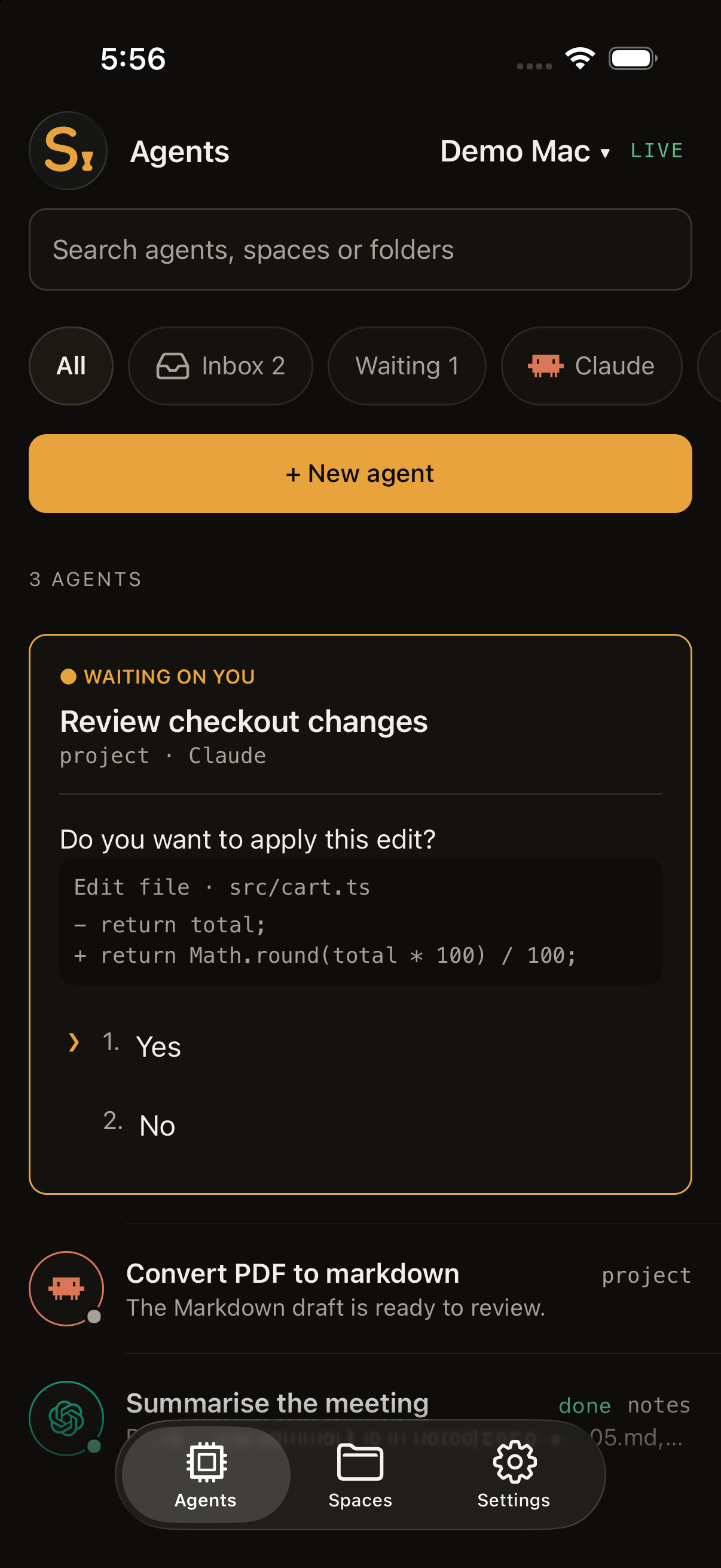
Supported permission prompts become clear answer buttons. See the question and its context, choose an answer, or send the next instruction yourself.
Read · answer · steer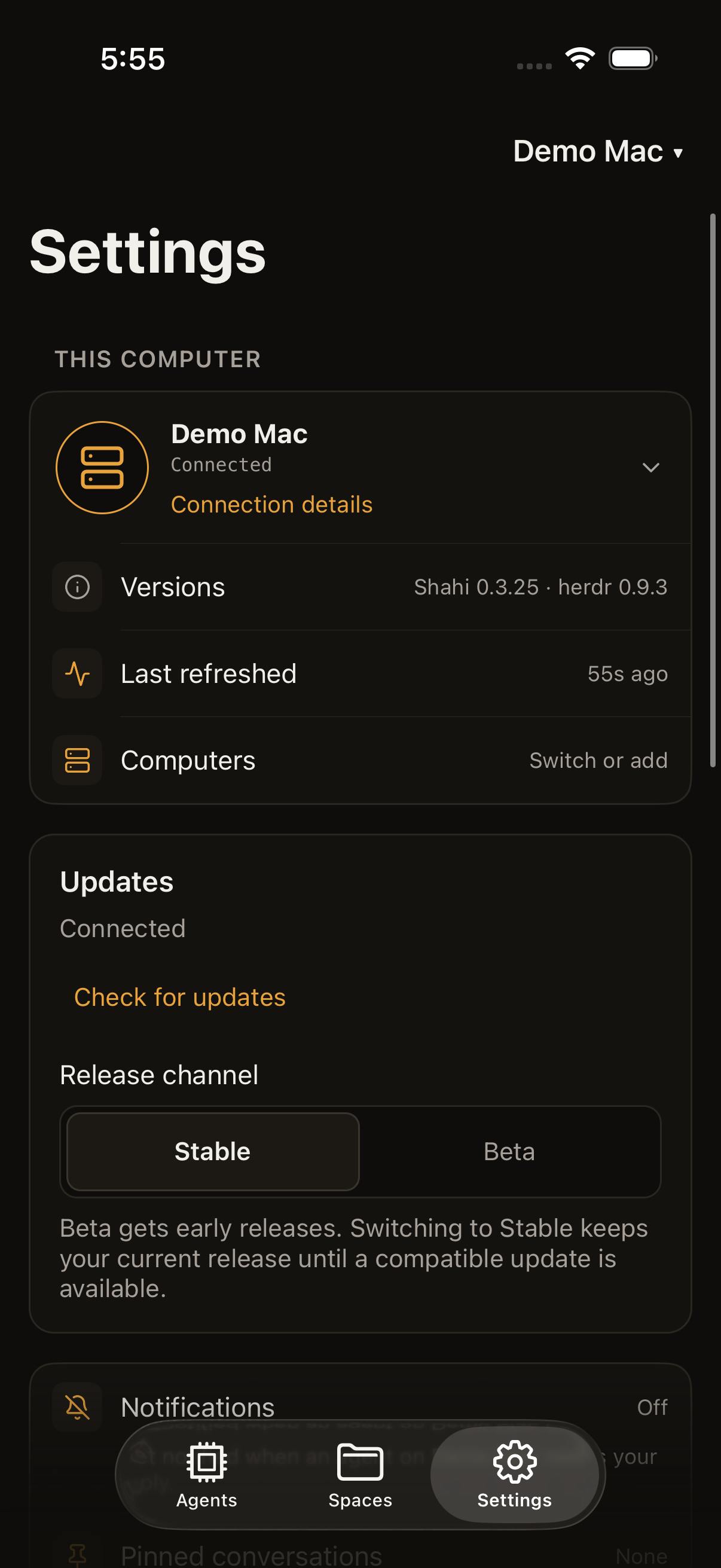
Choose Beta for early computer updates. Join upcoming iPhone versions in TestFlight, or follow development on GitHub.
Follow what’s nextWeb menus, settings and onboarding are available in English, العربية and Español. Choose your language in Settings. The iPhone app has these languages too.
Story You left your desk. Your agents didn’t. A terminal on a phone? Pinch, scroll, squint. Shahi connects your phone to herdr in about a minute. Two commands. One scan. Your agents become a chat. Read what they did, answer with a tap, and keep them moving. Every space. Every pane. Live. Shahi. Your agents, as a chat on your phone.
On screen A desktop terminal squeezed onto a phone. Then the setup: herdr plugin install iYassr/shahi and herdr plugin action invoke shahi.pair in herdr on the computer, the pairing code scanned with Shahi, and the phone connected, end-to-end encrypted. In the chat, Claude Code asks to run a Bash command, one tap answers “Yes”, the agent reports that all 214 tests pass and staging is live, and a typed reply, “Great. Open the PR.”, sets it working again. Then every space and agent in herdr, updating live on the phone. Last, the Shahi logo and tagline with “End-to-end encrypted”, “No account · no open ports” and “Open source · MIT”, the install command and getshahi.dev.
When the email is missing, show: “Enter your email address to continue.”
Do you want to make this edit to SignupForm.tsx?
Response sent. The agent list now shows this conversation as Working, and Claude is applying the change.
Setup
One command on your Mac or Linux computer, then one scan on your phone. It installs herdr if you don’t have it yet, then Shahi, and shows the code. The Shahi tunnel is included and connects automatically after pairing.
On your phone, open getshahi.dev/pwa and tap Scan QR code, or scan it with the iOS app. Your camera app can’t pass this code to the browser, so scan it from inside Shahi.
Already use herdr? Run herdr plugin install iYassr/shahi, then herdr plugin action invoke shahi.pair, inside it instead. Shahi shows the agents you run in herdr.
curl -fsSL https://getshahi.dev/install | shInstalls herdr 0.9.3 if herdr is missing, after checking its download against its published SHA-256, then the Shahi plugin, and shows the pairing code. Needs git, and on Linux unzip if bun is missing; it asks for no password. Read the script before you run it. An existing herdr must be 0.9.0 or newer. Automatic background setup on Linux uses systemd. Each code can be used once and expires after 10 minutes.
Why not a terminal app?
SSH apps give you a terminal wrapped for a wide screen: you pinch, scroll sideways and hunt for Esc and Tab. Shahi reads the saved conversations from Claude Code, Codex, Cursor CLI, Antigravity and OpenCode, so their messages fit your screen. Coverage depends on what each agent records: some tool results, images and other attachments may be unavailable. The original terminal is one tap away on the Screen tab, including for other agents herdr runs.
Connection security
Your phone and computer lock the messages they send to each other using encryption. Shahi’s relay, a connection service on Cloudflare, passes those messages along without being able to read them.
Keep your connection code private. Anyone who uses it can control the work running on your computer.
Shahi’s relay and its hosting provider, Cloudflare, can see connection information, such as your internet address, computer identifiers, and when and how much data is sent. This helps diagnose connection problems and misuse. They cannot read the messages sent through this protected connection.
Your connected devices can read your messages, so keep them secure. The web app runs code from getshahi.dev, published by the same developer who runs the relay. A malicious release or a compromised website could read an open session or a remembered pairing, because encryption shields your messages from the relay, not from the app’s own code. The iPhone app comes through the App Store and signed updates instead, and it can skip the relay by using your own SSH.
With the current iPhone app and computer, relay-paired notifications seal their question and answer labels for your phone; Expo and Apple still see routing identifiers, timing and fixed alert text. Earlier iPhone versions and SSH notifications can include the space and conversation title. Browser notifications are encrypted for your browser alone. See the privacy policy for details. Encryption cannot protect a device that someone has broken into or prevent connection outages.
Shahi’s security has been reviewed internally but has not had an independent audit. The security guide explains the encryption in detail.
Prefer no third party in the path? The iPhone app can connect over your own SSH instead. To stop your computer using the relay at all, add RELAY_URL= to the plugin’s .env and restart Shahi. QR pairing and the web app then stop working, and you connect over SSH.
iOS app
Download Shahi for free and connect to your computer. Want to test future versions? Request an optional TestFlight beta invite; we email invitations as places become available. The web app also works in your phone’s browser.
Email support@getshahi.dev to ask for a TestFlight invite.
Install herdr and your coding agent’s CLI on your Mac or Linux computer, then sign in to the agent or configure its provider credentials. Run your agents inside herdr and install the Shahi plugin. The setup section has the requirements and commands.
Yes. Closing Shahi on your phone does not stop the agents running on your computer. Keep that computer or server awake and connected to the internet to receive live updates and send instructions.
Reader formats saved conversations from Claude Code, Codex, Cursor CLI, Antigravity and OpenCode. OpenCode and Antigravity need computer release 0.3.11 or newer: if your computer is older, use Update computer in Shahi’s Settings. Coverage varies: some tool results, images and attachments are unavailable. Use Screen for the underlying terminal, including other agents herdr runs. See the Reader coverage and limits.
Shahi’s built-in tunnel is ready to use and free for everyone. It uses outbound internet connections, so you need no Shahi account, VPN or port forwarding. Your agents still use their own provider accounts; any agent subscriptions or API charges are separate.
No. Conversation, file and command content is encrypted end to end between your device and computer. The relay and Cloudflare can see connection metadata, including IP addresses, identifiers, traffic size and timing. Read about connection security and its limits, including device security and optional notifications.
Yes. Pair each one from Settings → Computers → Add a computer. Tap the computer name on the main screen, or open Computers in Settings, to switch. Each computer keeps its own connection while Shahi is open.
The iPhone app is free on the App Store, subject to regional availability. Request an optional TestFlight invite to test future versions. On Android, use the web app and add it to your home screen. The web app also works on iPhone; a native Android release is not currently available.
Run the setup line on your computer, scan the code in Shahi on your phone, and your agents are there as a chat. Shahi is open source under the MIT license.
See the setup command